Six products.One same job.

CLI and Chat use your Theus account. Downloading Desktop does not start a subscription. Connected models have their own quotas and terms. Atlas is offered separately.

  • One account for CLI and Chat
  • From USD 29 a month
  • Ñaupa free · MIT
Engraving: beneath a classical pediment, five figures — one writes on a tablet, one holds a sphere of light, one unfurls a map, one weaves at a loom and a king wields a sceptre

Which of the six suits you?

Which one is yours, at a glance.

The six Theus products, compared: what each one is, where it lives, who it is for and what it costs.
ProductWhat it isWhere it livesWho it is forPrice
Theus DesktopAI coding assistant for MacOne application with conversations, files and terminals.You work with repositories and prefer a visual interface.Model usage depends on your account, connection and plan
Theus CLICoding agent in your terminalYour terminal. The index stays on your disk.You code daily on a repository of your own.Free plan; Pro Code from USD 29/month
Theus ChatChat that runs your code and hands the files backYour browser. You install nothing.You want to start today, without touching your machine.Free plan; subscription from USD 29/month
ÑaupaEngine that maps what calls what in your repositoryYour machine. A binary beside whichever agent you use.Your agent works on a large or unfamiliar repo.Free, MIT. No account and no paywall.
KutiRecorder of browser tasks that replays themYour terminal, over your browser.You repeat the same web task every week.Inside the CLI: same subscription
Atlas by TheusConsole where your company builds its agentsThe browser, for the whole company.Several departments using it with no access control.Enterprise plans, contracted separately

Ñaupa has no paid version: MIT binary, no account · The CLI, the chat and Kuti are in the same subscription

What each one does

Each one solves a different moment.

  1. Theus engraving: a figure with a sword before tablets of code

    Producto 01 · New for Mac

    Theus Desktop

    Code with AI in your Mac repositories. Conversations, files and terminals together to understand the project and review changes.

    • Persistent conversations and projects let you continue working when you reopen the application.
    • Files, activity and terminals alongside the conversation. Less scattered context, more clarity.
    • Inspect differences, work with version control and configure approvals to match your workflow.

    What it does not do yet

    Published installers are for Apple silicon and Intel Macs. Connected models and services may require internet access and receive the context you share.
    Explore Desktop and download for Mac
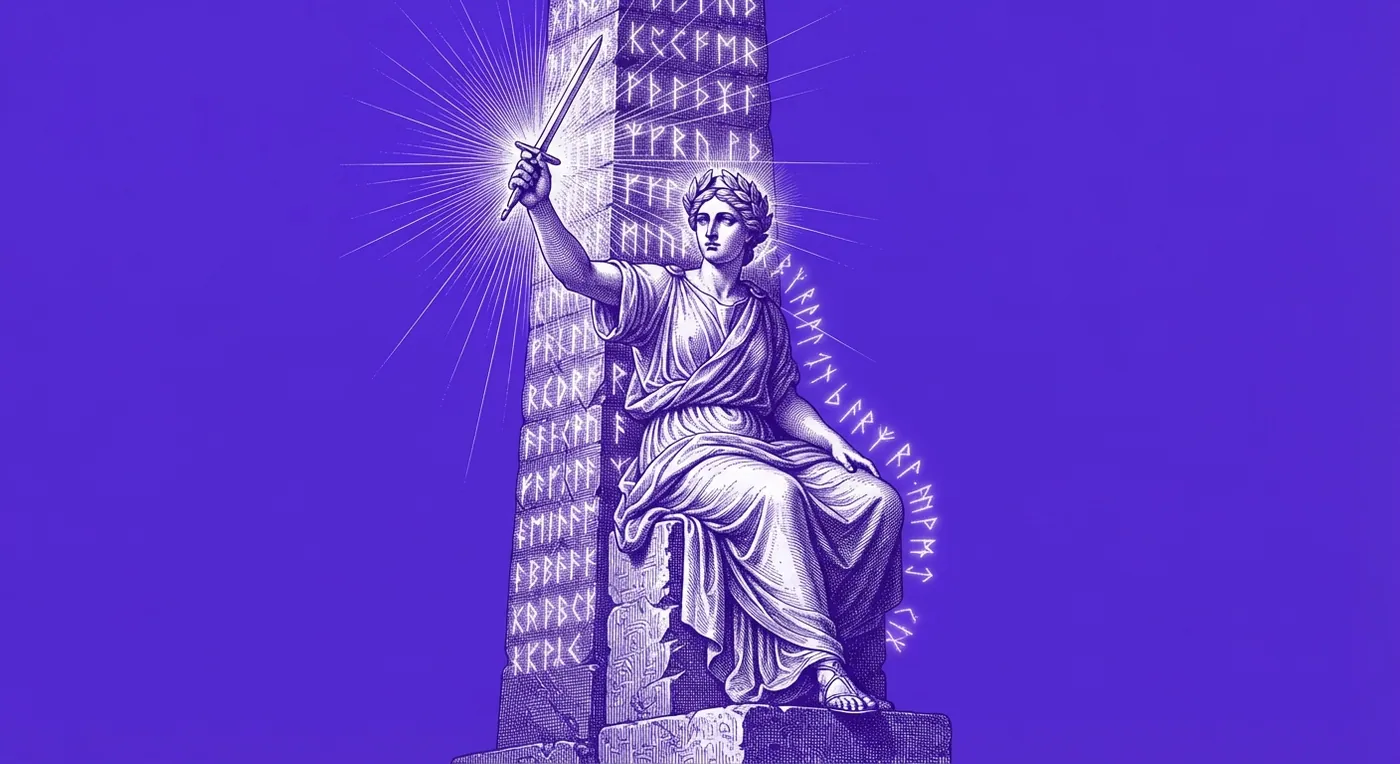
  2. Engraving: a figure seated on a pedestal wields a sword before tablets of code, a halo of lightning behind

    Producto 02 · For writing code

    Theus CLI

    A coding agent that lives in your terminal, understands your project because it indexes it on your own machine, and brings its help, its diagnostics and its arsenal with it.

    • The index lives on your disk: symbols, graph and memory in ~/.theus/knowledge
    • It does not tie you down: your own key, your gateway or a local model
    • You top up from the terminal, without opening a browser

    What it does not do yet

    The index it ships with reads JavaScript and TypeScript. Every other language is covered by Ñaupa.

    Why the index lives on your disk
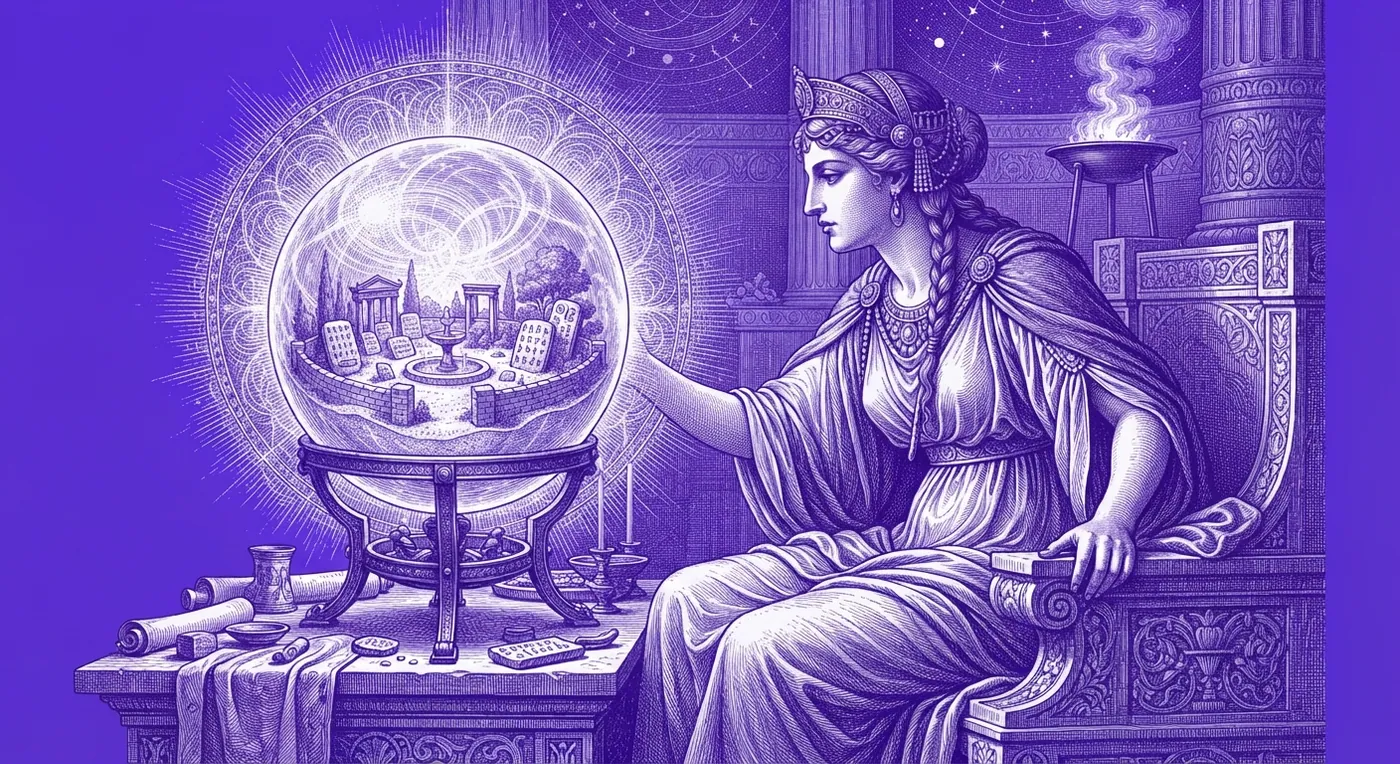
  3. Engraving: a braided woman consults a crystal sphere showing a lit city

    Producto 03 · For the browser

    Theus Chat

    A chat where the agent runs your code in an isolated sandbox, hands the files back, and lets you carry that same conversation into your terminal with one command.

    • It really runs, it does not imagine: hardened container with no network
    • The conversation jumps to your terminal with one command
    • Projects, memory and an editable canvas

    What it does not do yet

    Of the 15 connectors, 10 link with one click from the browser; the other 5 only from the CLI.

    How a session jumps from browser to terminal
  4. Engraving: an Andean chakana with a gear at its centre, woven from a graph of nodes and edges

    Producto 04 · Free · MIT

    Ñaupa

    An engine that reads your whole repository and builds the map of what calls what, so your agent knows what breaks if you touch something — without re-reading a single file.

    • Ask in plain language; it answers with a file and a line
    • It knows what breaks before you touch it
    • Free, MIT, no account: a static binary in one line

    What it does not do yet

    The analysis is static: it does not see what is called by reflection, nor handlers resolved by dynamic strings.

    Why a graph and not a search box
  5. Engraving: hands weave a circuit-patterned cloth on a wooden loom

    Producto 05 · For repeating tasks

    Kuti

    You do a browser task once while Theus watches, and from then on it repeats it whenever you ask. It lives inside the CLI: the same subscription.

    • What was recorded is read before it runs: a script that fits on one screen
    • It stops on its own before anything irreversible: a captcha or confirmation calls a person
    • It is shared without copying the password: a portable script

    What it does not do yet

    The browser half — recording while watching the page, capturing clicks and replaying — needs the extension, which travels inside the program since 1.2.2 but is not in any store yet.

    A 33-line script you can read before running it
  6. Engraving: in a columned hall, a figure with scales leads a line of shielded automata

    Producto 06 · For your company

    Atlas by Theus

    A console where your company builds its own agents, gives them its documents and hands out permissions by department, under one account and one invoice.

    • One identity for the whole company, per organisation
    • Agents you configure yourself, with a private knowledge base
    • Bought separately from the subscription: three plans of its own

    What it does not do yet

    Atlas is an agent builder, not a catalogue of ready-made processes: your department's flow is something you configure.

    What a console governs that a loose chat does not

How do I choose?

By what you are trying to do,not by the product's name.

Frequently asked about the products

Before you choose.

  1. How many products does Theus have?

    Six: Theus Desktop, Theus CLI, Theus Chat, Ñaupa, Kuti and Atlas by Theus. The first five are for writing code; Atlas governs your team.

  2. Do I have to pay for each one separately?

    Not all of them. The CLI, the chat and Kuti are in one subscription from USD 29. Ñaupa is free. Atlas is contracted separately.

  3. Which one suits me if I am just starting?

    Theus Chat: you install nothing, you open the browser and the agent is already running code in an isolated sandbox.

  4. Do they work together?

    Yes, and that is why they are not six separate purchases. Kuti is three commands inside the CLI; Ñaupa mounts on top of any agent.

  5. Which one is free?

    Try CLI and Chat with the Free allowance, without a card. Ñaupa is free and independent of every plan.

  6. Where does my code stay?

    The CLI index and the Ñaupa index are built and live on your disk. When a cloud route is used, only the session's context travels.

  7. How is it billed outside Peru?

    In US dollars, by international card, from USD 29 a month — and top-ups are bought from inside the terminal, without opening a browser.