



Many intelligences · One decision

Your client needs a change.Start with their code.

Understand the project, prepare changes and review differences with Theus. From your terminal or browser, using your plan's models without configuring each provider's keys.

Start on the free plan, without a card. Models and usage depend on your plan.

Not sure where to start? Choose a task

With models from

  • OpenAI
  • Anthropic
  • Google Gemini
  • Meta
  • DeepSeek
  • Mistral AI
  • Qwen
CLI downloads and installation commands

Download Theus CLI · v1.6.1 · Native binaries

Install via terminal · macOS / Linux

curl -fsSL https://theus.pe/install.sh | bash

Windows · PowerShell

powershell -c "irm https://theus.pe/install.ps1 | iex"

Official partner

Claude Partner Network

Theus is part of Anthropic's partner network for bringing Claude to businesses.

What you try. What you pay for.

Theus manages access to AI models for working with code. Your subscription buys usage capacity and your plan's models, not the free Ñaupa engine.

  • Free and Ñaupa

    Free lets you try Theus with a limited allowance. Ñaupa is a separate free engine; you do not need Theus Pro to use it.

  • Your subscription

    Provides the enabled models and your plan's included usage in 5-hour and weekly windows. CLI and Chat share the account. It does not include unlimited usage or every Theus service.

  • Top-ups

    Add balance without changing the plan. They are separate purchases, not subscription payments. Check the payment options available for your account and country.

Terms and privacy

Usage depends on the model, context and response. A credit allowance does not equal a fixed number of tasks or working days.

CLI and Chat use your Theus account. Downloading Desktop does not start a subscription. Connected models have their own quotas and terms. Atlas is offered separately. Ñaupa's index is local. When using a remote model, shared context may be sent to that connection's provider.

First, something useful for you

What do you want to work on today?

Choose a goal. We will prepare a first instruction in the chat; review it and send it when you are ready.

Want to work on your repository? Start with the CLI

Give your idea a starting point.

Define what to build, break down the work and ask for the first code. Choose the CLI to work on your local files.

Your starting instruction

I want to create a page for a project. First ask me three questions: what it does, who it is for and what action visitors should take. Use my answers to propose a simple structure, then help me build a first version. Do not invent testimonials or results.

This is a template, not a generated result. You can edit it before sending.

No card required. Free plan quota: Limited usage · 5 h / 7 days.

Try it first. Choose a plan later if you need more usage.

See plans and limits

The products

Choose how
you move forward.

Code on your computer, start in the browser, or bring AI to your team. Find the Theus tool that fits your work.

CLI and Chat share your subscription. Ñaupa is free. The enterprise console is contracted separately.

Start here

  • Grabado de Theus Desktop

    Desktop app

    Theus Desktop

    Bring AI to your machine. Install Theus on your computer and work with your models, files and agents locally, with the same experience as the CLI.

    Meet Theus Desktop →
  • Grabado de Theus CLI

    For writing code

    Theus CLI

    A coding agent that lives in your terminal, understands your project because it indexes it on your own machine, and brings its help, its diagnostics and its arsenal with it.

    Why the index lives on your disk →
  • Grabado de Theus Chat

    For the browser

    Theus Chat

    A chat where the agent runs your code in an isolated sandbox, hands the files back, and lets you carry that same conversation into your terminal with one command.

    How a session jumps from browser to terminal →
  • Grabado de Ñaupa

    Free · MIT

    Ñaupa

    An engine that reads your whole repository and builds the map of what calls what, so your agent knows what breaks if you touch something — without re-reading a single file.

    Why a graph and not a search box →
  • Grabado de Kuti

    For repeating tasks

    Kuti

    You do a browser task once while Theus watches, and from then on it repeats it whenever you ask.

    A 33-line script you can actually read →
  • Grabado de Atlas by Theus

    For your company

    Atlas by Theus

    A console where your company builds its own agents, gives them its documents and hands out permissions by department, under one account and one invoice.

    What a console governs →

Your next project starts here.

For your business, your clients, or the idea you want to bring to life: get help choosing a model and continuing your work.

  • #1 It decides

    TITAN picks for you

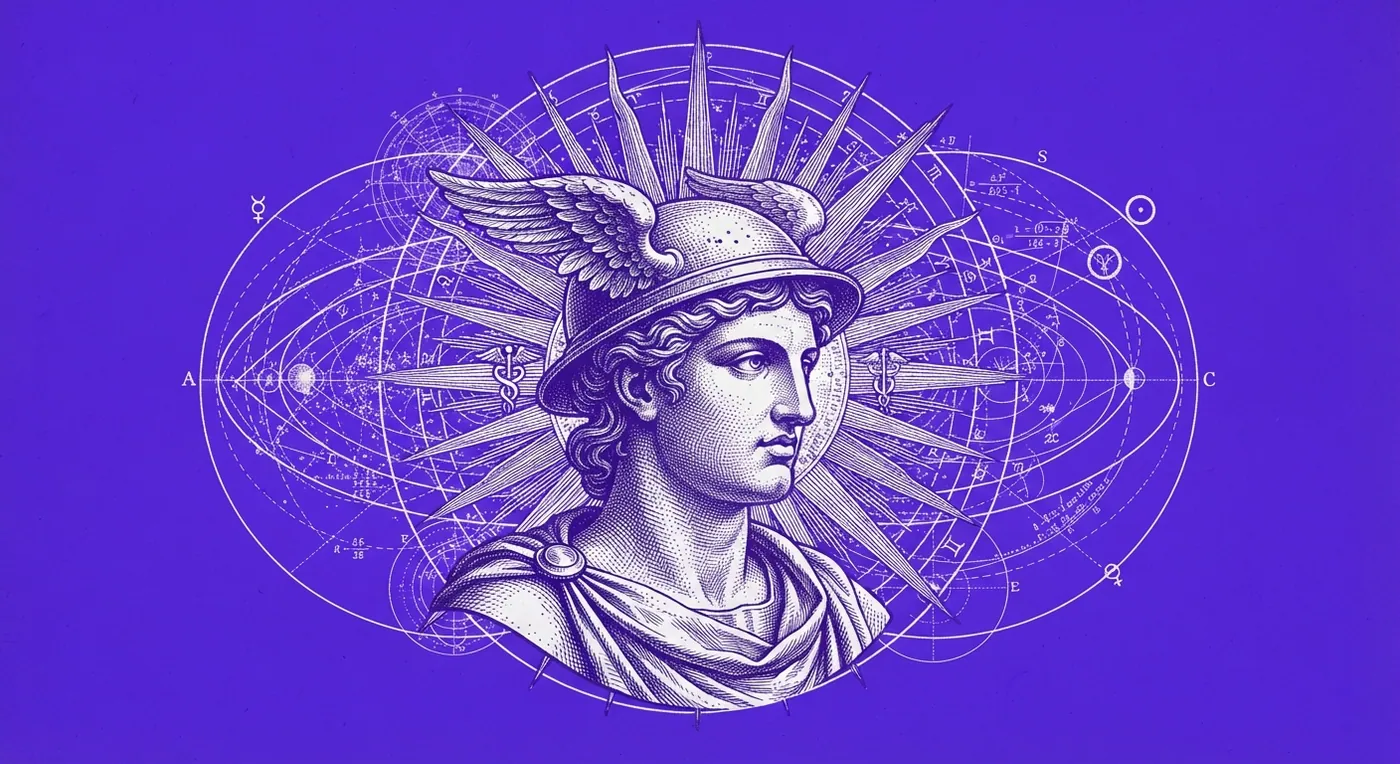
    Engraving: Hermes with the winged helmet among rings and constellations

    TITAN weighs every task and routes it to the exact model — 192 models on a single account, with no provider keys.

    For example: “Check why my store’s sign-up form is not working.”

    Model access depends on your plan; no separate provider keys are needed.

  • #2 Your pace

    One account. Your choice of plan.

    Engraving: a hand drops coins that turn into lightning

    Use the models included in your plan through one Theus account. Your usage depends on the model and the task, and you can review it from your account.

    Choose a plan based on how you work.

    Usage depends on the model and the task.

  • #3 It remembers

    Memory on your disk

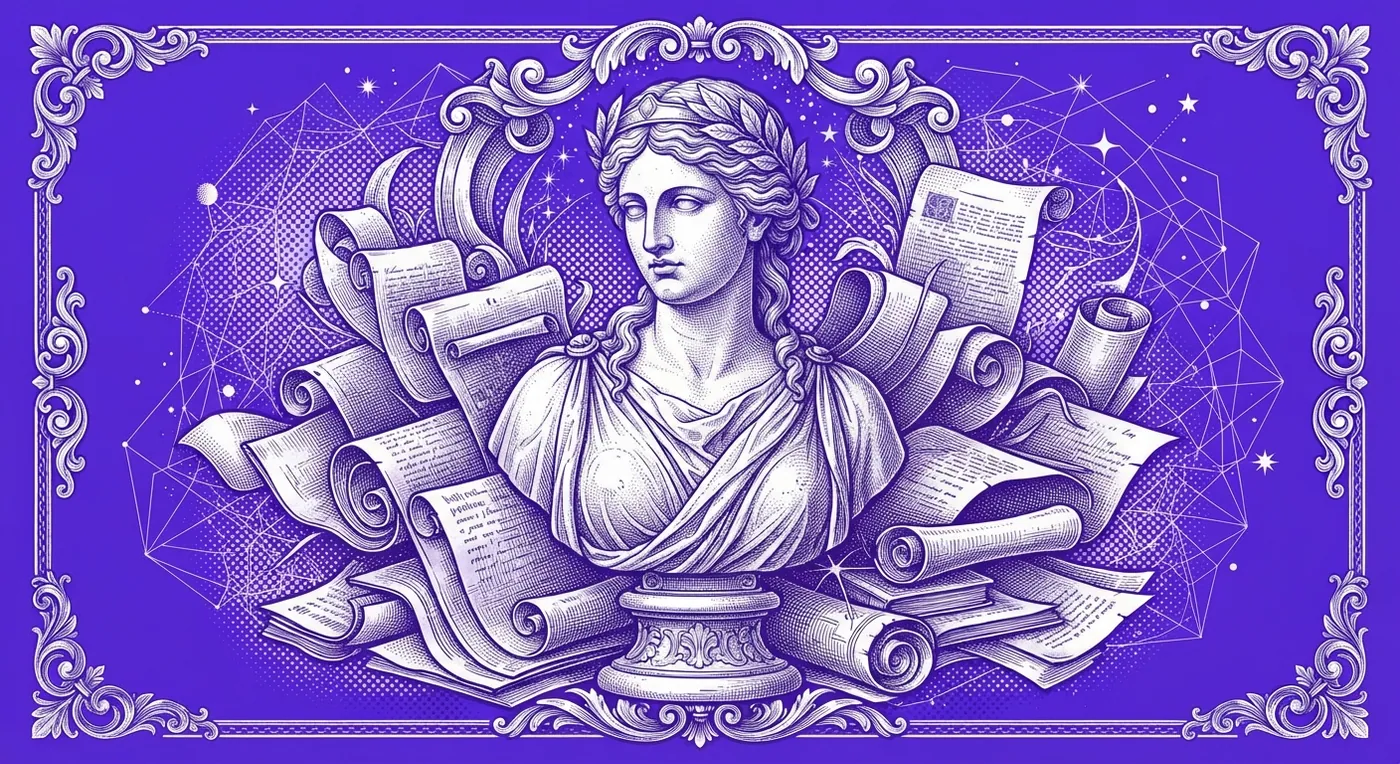
    Engraving: the muse of memory surrounded by scrolls

    The CLI stores your project index and memory on your machine so you can resume your work. When you use a remote model, the context it needs is sent to that service.

    Today’s project is tomorrow’s starting point.

    When using a remote model, the necessary context is sent to that service.

  • #4 Your language

    Speaks your language

    Engraving: an Andean valley with the city in the distance

    An agent that codes and talks in your language — English, Urdu or Spanish, all the way down to theus --help.

    For example: “Explain this error and help me fix it.”

    Use theus --help to see the available CLI commands.

Built by Theus

Understand your project.
Multiply your work.

Two tools to move forward: one connects the pieces of your code. The other preserves how you complete a task so you can repeat and share it.

Ñaupa

Ñaupa · Free · MIT

Engraving: an Andean chakana woven from a graph of nodes

Before changing something, understand what depends on it.

Ñaupa reads your project and maps connections between files and functions. The map helps the agent find relevant code and explore what a change might affect.

Free and MIT licensed. Runs on your computer, with or without a Theus subscription.

Explore Ñaupa

A real measurement on our CLI

  • 21Files I touched
  • 69Stretches of code
  • 29 738Indexed nodes
  • 316Actually affected
View data provenance

Real blast_radius output over the CLI repository · theuscode@46b1dba · 28 ago 2026 · naupa 1.3.0 · The index never leaves your disk

Kuti

Kuti · Automation

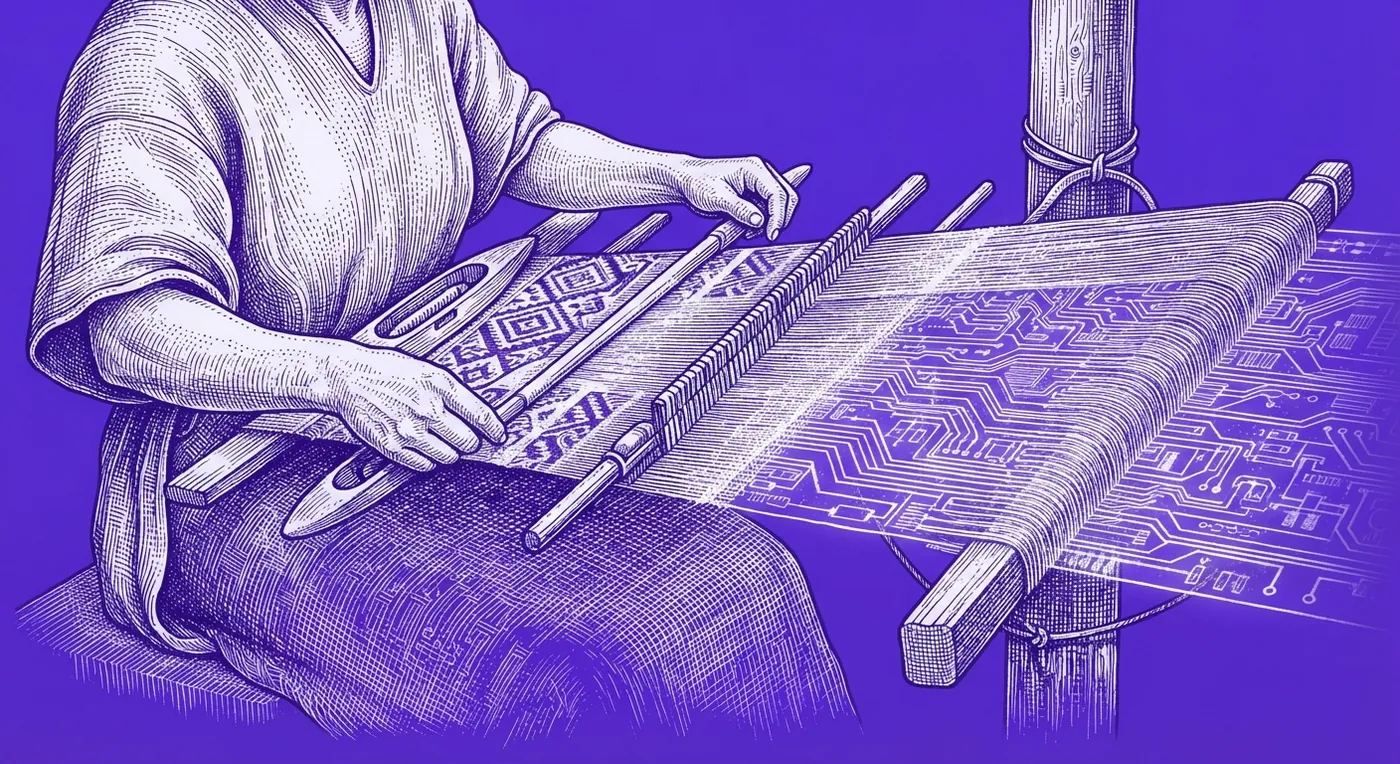
Engraving: hands weaving a circuit pattern on a loom

Your way of working, ready to repeat.

Show how you complete a browser task. Kuti turns it into a script you can save, run again, and share with your team. The process no longer depends on one person remembering it.

Discover Kuti
  1. You record

    You do the task once, the way you always do. Theus watches.

  2. It shows you the plan

    Before repeating anything, it tells you what it understood and what it will do.

  3. It repeats it

    Whenever you want, as many times as you want. And it adapts if the page changed.

Learned once. Ready to share.

Check it yourself

Go from seeing
to trying.

Start with Ñaupa without creating an account. Then explore Theus models and available top-ups. You decide how far to go.

  1. No registration

    No account, no email

    Ñaupa parses the AST of 158 languages and builds the graph of your repo. Binary verified by SHA-256.

    What else Ñaupa does →

    In your terminal

    $ curl -fsSL https://theus.pe/naupa.sh | bash

    This command installs Ñaupa. Its guide explains how to analyze your project.

  2. With your free account

    The catalogue, and how far your plan reaches

    Install the CLI and sign in on the free plan. Inside the session, type /modelos and the whole catalogue comes out.

    Installation guide →

    In your terminal

    $ curl -fsSL https://theus.pe/install.sh | bash

    After installing, open Theus and sign in. Then type:

    /modelos

    Seeing the catalogue does not mean every model is included in your plan.

  3. With an active session

    Top up without leaving the terminal

    Credit packs bought from inside the session. The balance sits behind your quota and never expires.

    See plans and top-ups →

    Inside the session

    /recarga

    The command opens top-up options. A purchase takes place in a later step.

New to the terminal?

Check the available Theus commands and options.

$ theus --help

Start with Free. Continue with Theus Pro.

One account for CLI and Chat. Compare included credits and models; upgrade only when you need more capacity. Billing is in USD. Atlas has its own commercial terms.

  • Want to try it first?

    Free / USD 0

    Limited usage · 5 h / 7 days
    Free plan · No card

    Start free

Theus Pro, for your projects

  • The Scribe

    Theus Pro

    For everyday coding

    Write, review and improve code across your projects every week.

    USD 31

    Per month

    Choose Theus Pro
    • Limited usage renewing every 5 hours and every 7 days
    • Web, Chat, CLI and Desktop with one account
    • Models enabled for Pro
    • Up to 2 concurrent requests; 1 at peak hours
    • Optional extra balance; does not change your plan
See plans with more capacity

Theus Max, with three times the capacity and multi-agent work, and the Enterprise plan. Compare capacity and models before upgrading.

  • The Legion

    Theus Max

    Three times the capacity of Pro and multi-agent work for demanding teams.

    USD 79

    Per month

    Choose Theus Max
    • Limited usage renewing every 5 hours and every 7 days
    • Web, Chat, CLI and Desktop with one account
    • Max models, tools and multi-agent work
    • Up to 4 concurrent requests; 2 at peak hours
    • Optional extra balance; does not change your plan
  • The Throne

    Theus Empresa

    Capacity by contract, enterprise console and per-person access.

    A medida

    Per month

    Choose Theus Empresa
    • Capacity agreed by contract
    • Access management and assignment
    • Terms defined in your quote
    • Nothing charged until a proposal is accepted

How do credits work?

Usage depends on the model, context and response. A credit allowance does not equal a fixed number of tasks or working days. A top-up adds usage balance. It does not change your plan, unlock higher-tier models or pay for your subscription. It is used after the included allowance. How long it lasts depends on your tasks and models.

Understand usage →
Compare the plans
PlanWhat you need it forIncluded credits
FreeTry Theus without a card and see how it works before choosing a plan.Limited usage · 5 h / 7 days
Theus ProWrite, review and improve code across your projects every week.— credits/month
Theus MaxThree times the capacity of Pro and multi-agent work for demanding teams.— credits/month
Theus EmpresaCapacity by contract, enterprise console and per-person access.— credits/month

CLI and Chat use your Theus account. The dashboard manages your subscription; Atlas is the enterprise platform and access depends on your plan.

See models and plan conditions →

Download Theus CLI · v1.6.1

On your machine, today

$ curl -fsSL https://theus.pe/install.sh | bash

These installers add the theus command to your terminal. See Downloads for SHA-256 checksums and options for each platform.

CLI downloads and installation commands →
Mariano Suquilanda Gallo, founder and CEO of Theus, looking at the camera

Who signs this

I build Theus from Lima.And I sign it with my name.

I have been programming since 2016 and building companies since I was 18. I lead a team of eight that builds software for verticals where a demo is not enough: banking, pharmaceuticals, mining — where the system has to survive an audit, not just a demonstration.

Theus comes out of that school, and out of a conviction: the world should not have to rent its artificial intelligence — it should be able to build it. That is why the index lives on your disk, and why this page does not ask you for faith: every claim has the command that proves it right next to it.

  • Software in production since 2016
  • 800,000+ users on our own platforms
  • 36 vulnerabilities reported to Peru's electoral authority
Mariano Suquilanda GalloFounder and CEO · Ad Astra Technology & TheusWrite to me on LinkedIn ↗

Ad astra · per aspera.

Contributor publications

Published abroad.

Open the press archive ↗
Engraving: a hand emerges from the clouds with a lightning bolt falling from its finger
  • Best of Best Review · Winner 2026
    Best of Best Review · 29 JUL 2026

    Best AI Coding Platform in Peru

    Theus fue reconocida por su innovación técnica, arquitectura local-first, privacidad para desarrolladores y preparación empresarial.

    Leer el reconocimiento →
  • Today US
    Today US · Tecnología · 27 JUL 2026

    Ad Astra Technology Brings Theus to Windows, Completing Native Support Across Windows, macOS, and Linux

    La nota presenta el soporte nativo de Theus en Windows, macOS y Linux, junto con su enfoque en español y su arquitectura local-first.

    Leer en Today US →
  • USA NewsMariano Suquilanda Gallo, founder and CEO of Theus
    USA News · Perfil · 27 JUL 2026

    The Peruvian Engineer Betting That Latin America Should Build Its AI, Not Rent It

    Un perfil de Mariano Suquilanda Gallo y de la visión detrás de Theus: construir tecnología de inteligencia artificial desde Latinoamérica.

    Leer en USA News →

Contributor content published by third parties · Recognition granted by a third party · Built in Peru, published abroad

Preguntas frecuentes

Antes de empezar.

What is Theus?

Theus brings together Desktop, the AI coding assistant for Mac; the terminal CLI; browser chat; Ñaupa, the free code intelligence engine; Kuti for replaying browser tasks; and Atlas, the enterprise agent console. Ñaupa needs no account or subscription. Model usage depends on your plan and connection; Atlas has its own commercial terms.

How is the chat different from the CLI?

The CLI works on the files on your machine: it indexes the repository on your disk and edits your project. The chat lives in the browser and runs code in an isolated sandbox; what you start there can continue in your terminal with one command. Both are in the same subscription.

How do I pay from Pakistan?

By international card, in US dollars, through Stripe — the same rail as anywhere outside Peru. Prices shown in rupees are a reference for the exchange rate; the amount your bank sees is the dollar figure. Peruvian customers have a separate rail in soles.

Is Theus available in English and Urdu?

Yes. The site, the CLI and the chat all run in English, and Urdu is available across the site with right-to-left layout. The agent itself answers in whichever language you write to it in.

Does it work on Windows?

Yes, there is a native Windows x64 binary that installs from PowerShell in one line. The macOS binaries are signed and notarised.

Which models does the subscription include?

A catalogue of 192 models for code, reasoning, agents and multimodal work, plus image, video and voice. Each plan unlocks the one below it and adds its own tier; the free plan opens 2. TITAN analyses each task and picks the best route.

Do I need my own API keys?

No. Theus configures the routes included in your plan centrally. If you prefer, from the CLI you can configure your own keys or point at a local model on your machine.

The shipping log

You can tell when a product is alive.

The whole log →
  1. web-2026-09-1212 SEP 2026 · Web · Desktop · LlamadaLlamada por voz disponible en la web y en Desktop, con voces a elegir
  2. web-2026-09-1111 SEP 2026 · Modelos · CatálogoLlegan al catálogo GPT Astra y Claude Fable 5.1
Trabajan con nosotrosvuelta.pePuntos SmartProtegido.aiSendio
Empresas del mismo grupoAd Astra TechnologyAstraTechMarketrixAICOMAtlas by Theus

They train the models

Theus decideswhich one solvesyour task

Sin tarjeta · Limited usage · 5 h / 7 days

Create a free account →